
Digital agency
23
Globally
“Time gave us a calm, shared source of truth that keeps everyone rowing in the same direction”
— David Kravitz, CEO at Sliday
200k+
Hours logged50%
Faster leave & holiday approvals30%
Less time on manual updates
 Login
Keep up with the progress of your projects, get reports and see what everybody is doing in real time.
Track tasks and working time, measure productivity and create reports right from Slack.
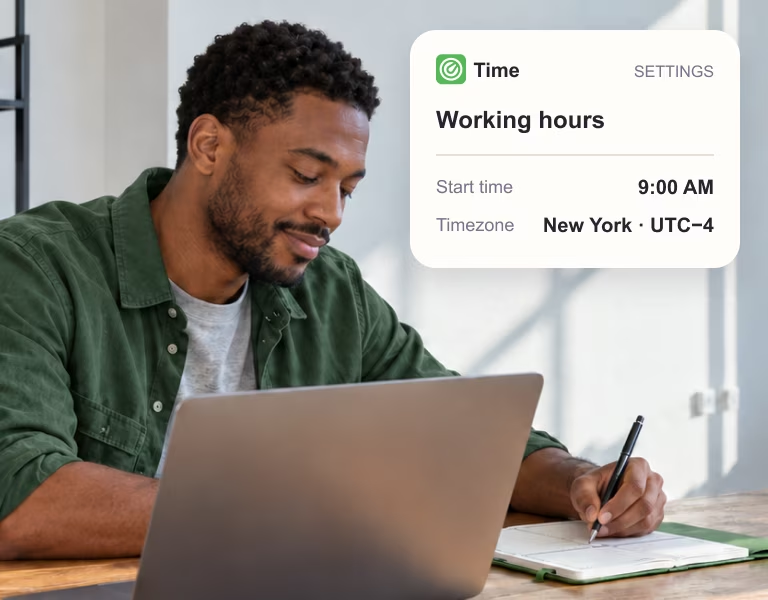
Set your start time in your timezone to keep colleagues informed.
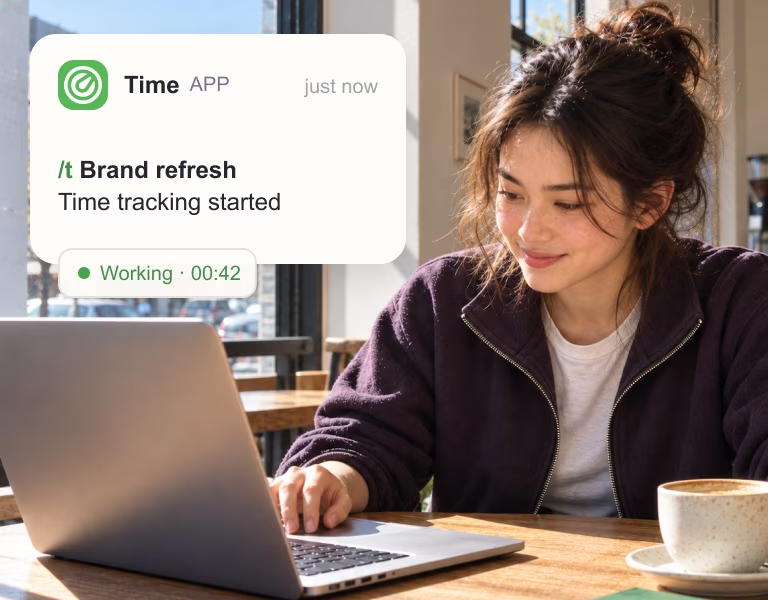
Type /t description in Slack to start tracking time on a task.
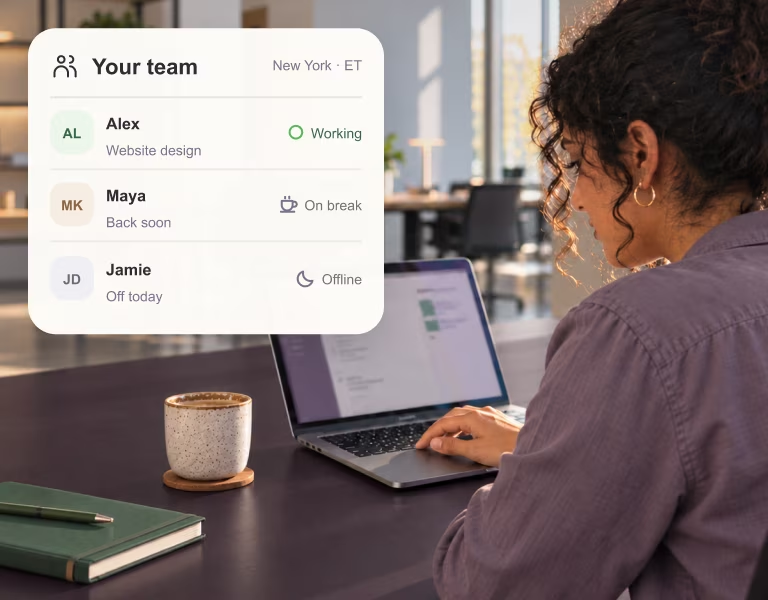
Share your status and see others' work without disturbing them.
Time emails the team lead a summary of work in progress by project and team member.
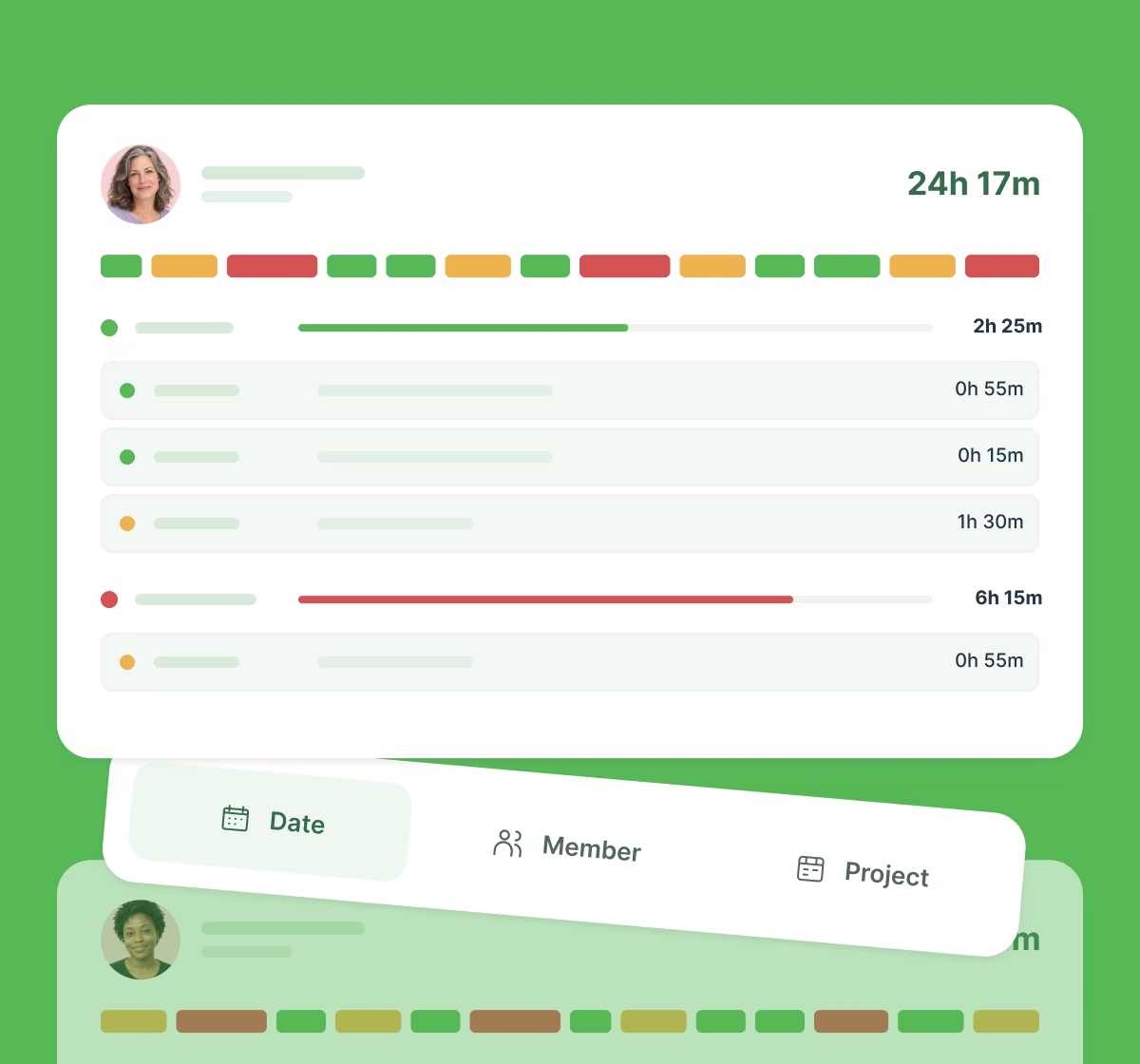
Your work time visualised. Colour-coded statuses show at a glance if you're on time, delayed, late or on break.
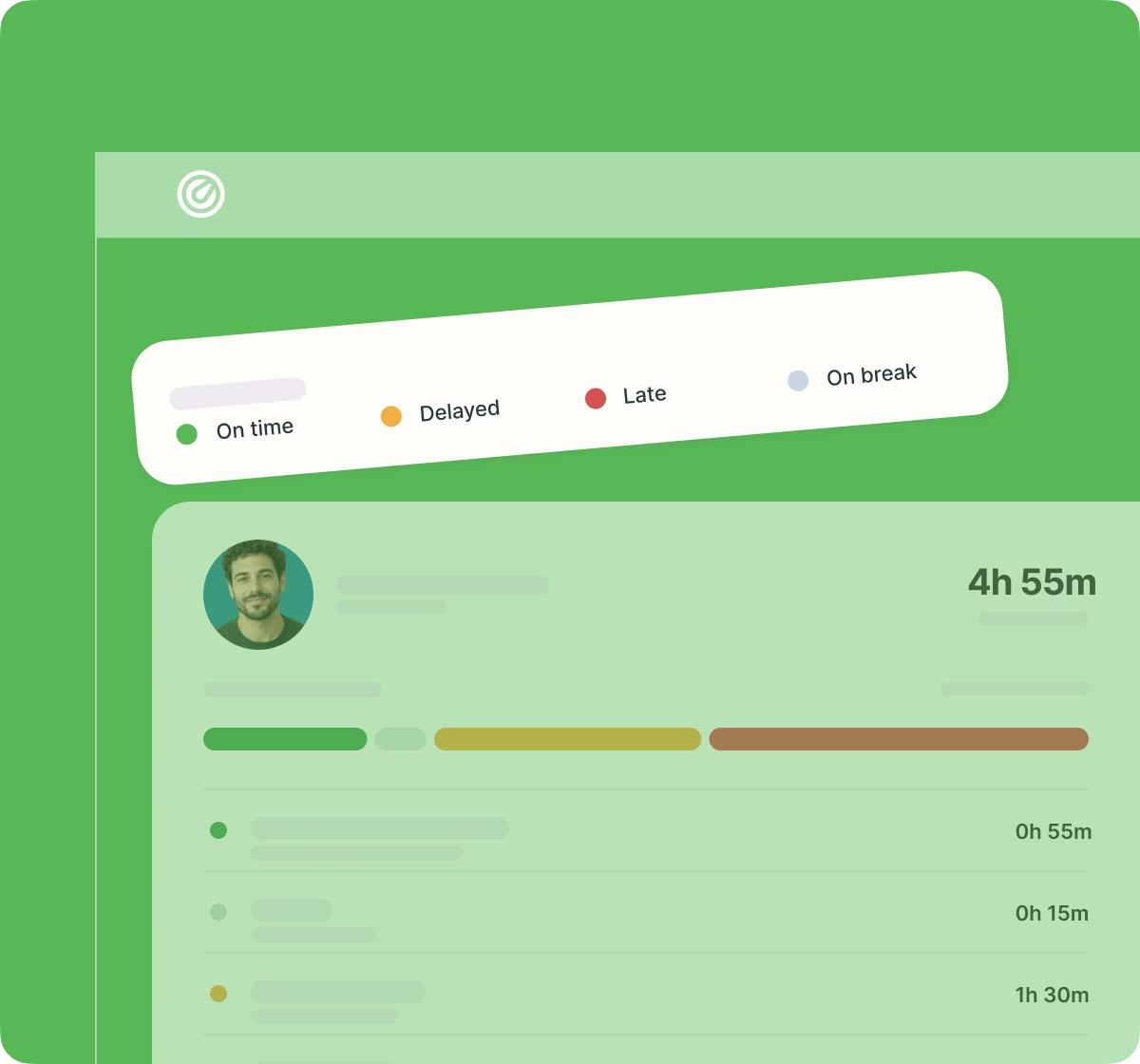
A clear overview of team work organised by date, team member or project.
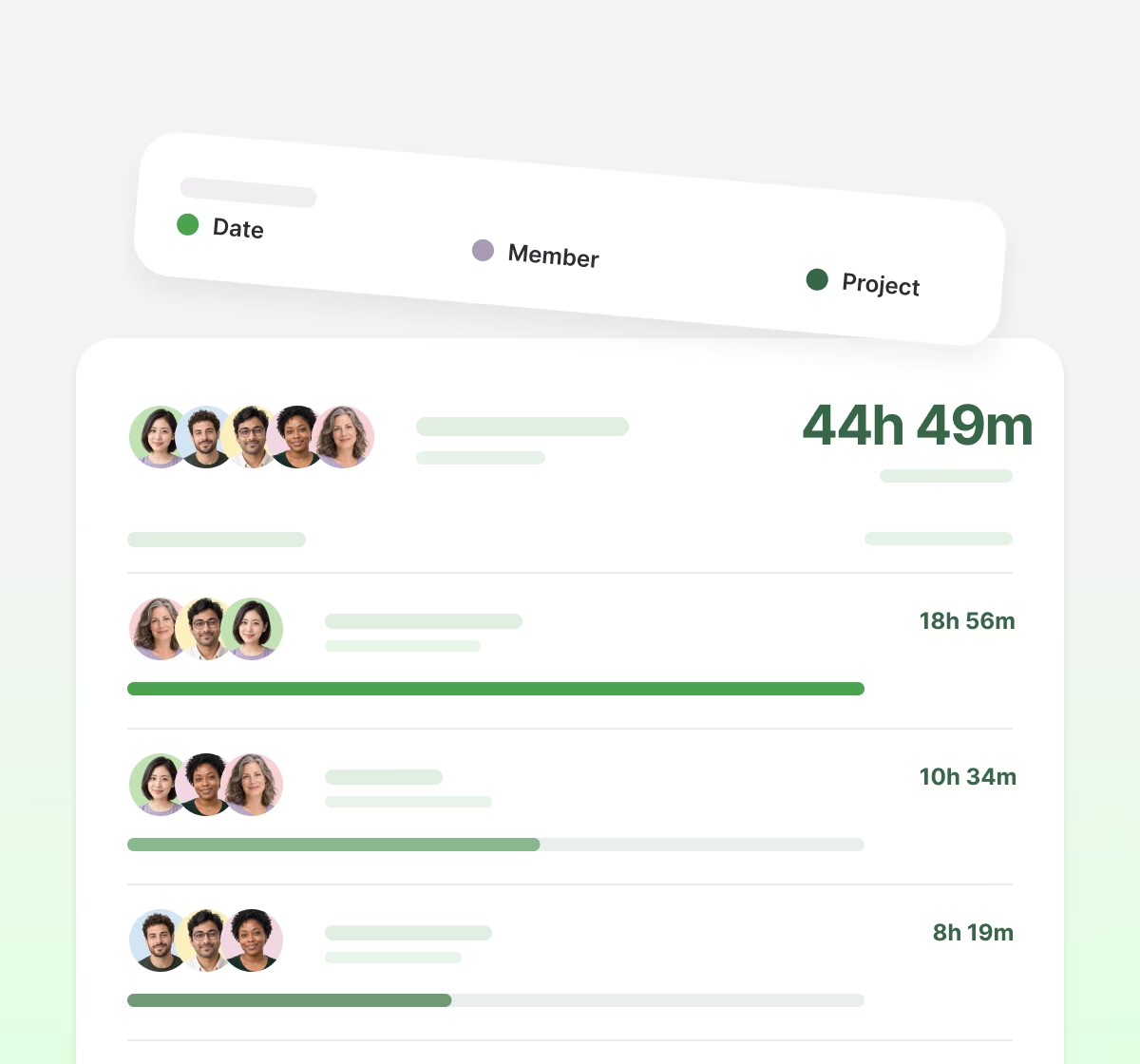
Get reports exported or sent via email. Structured work breakdown: project, person, task, duration.
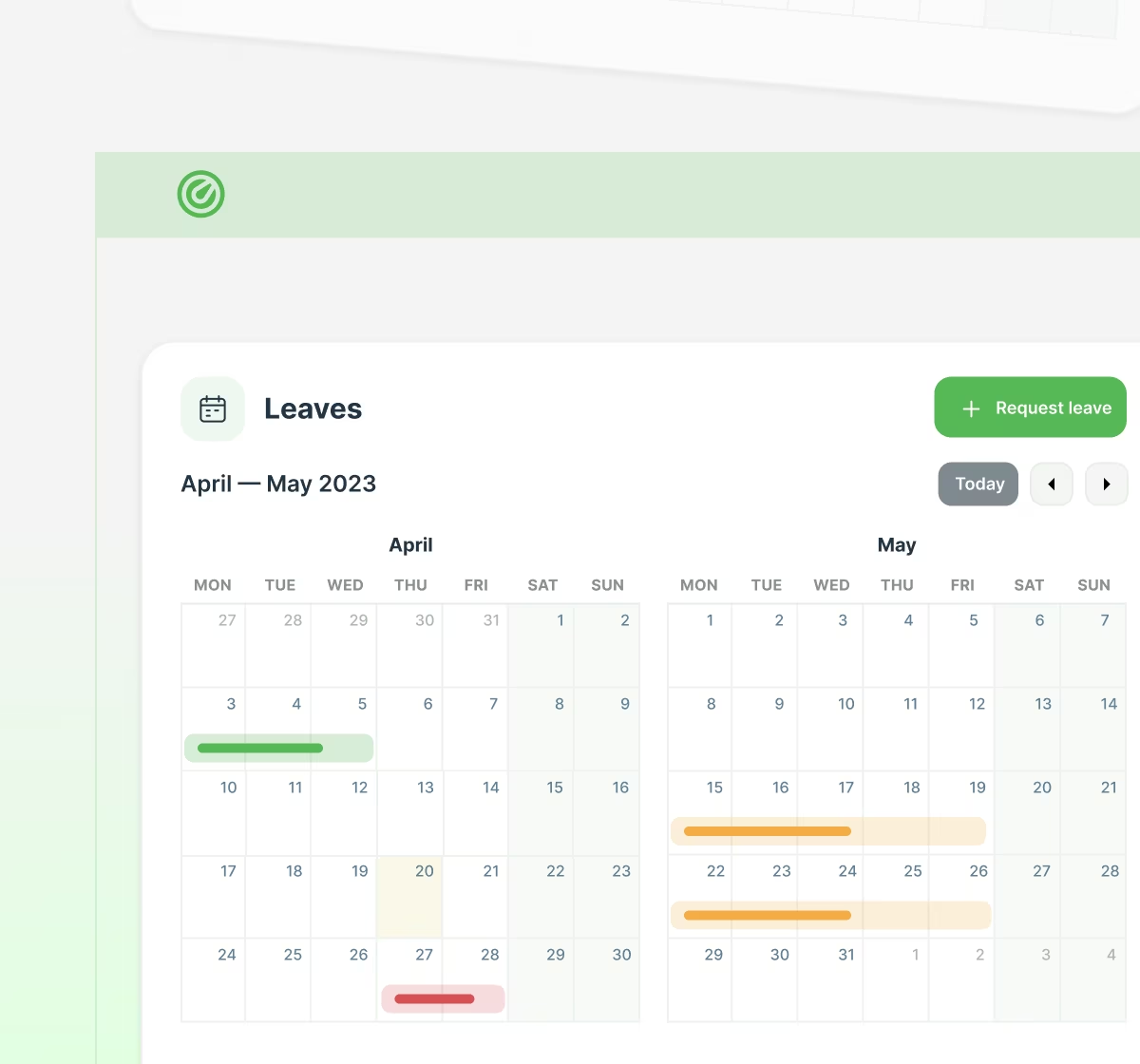
Easily request and approve leaves, get an overview of leaves within your team and set up company holidays.
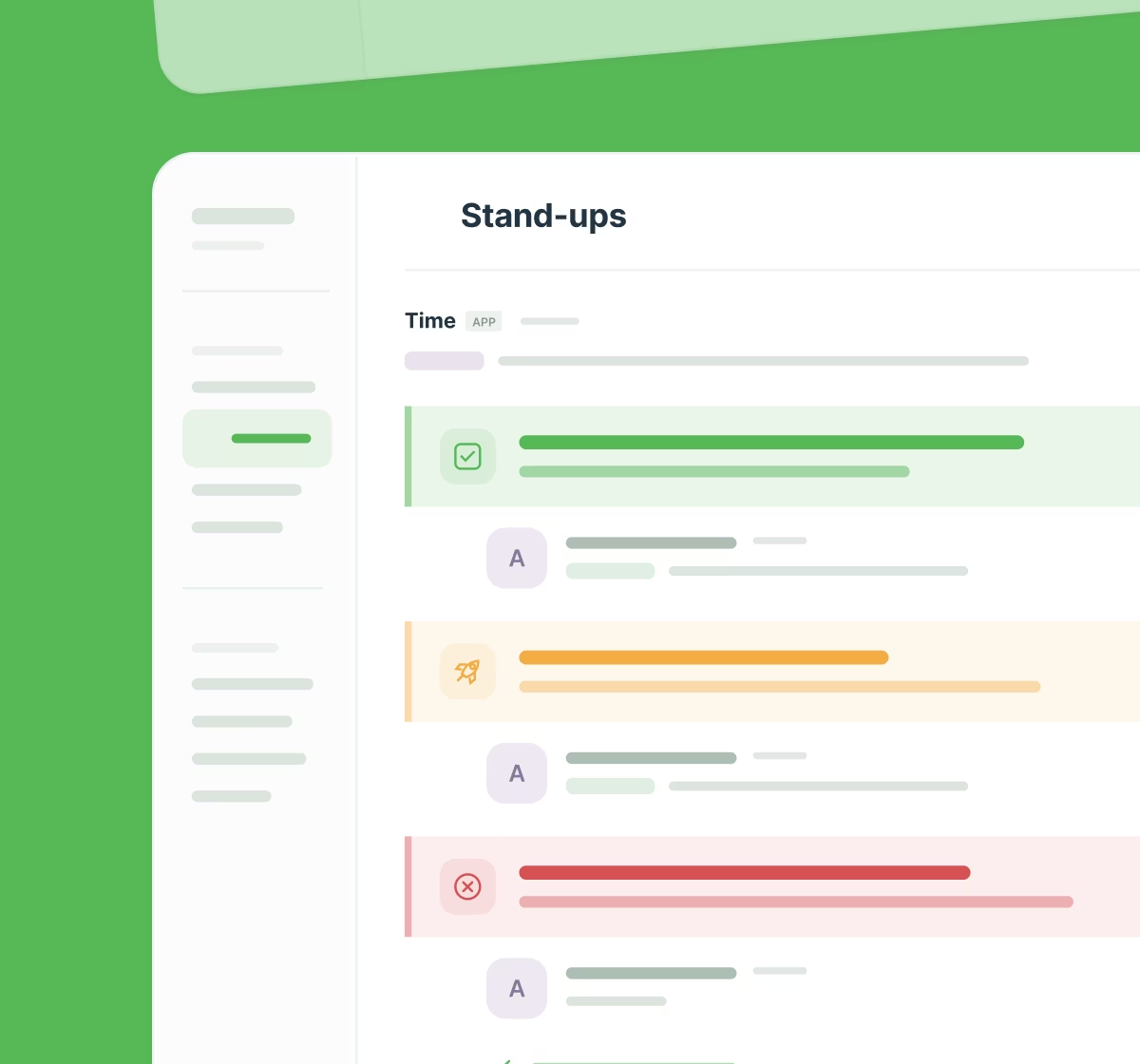
Ask a range of questions each time a person starts their business day. Change them as you need.
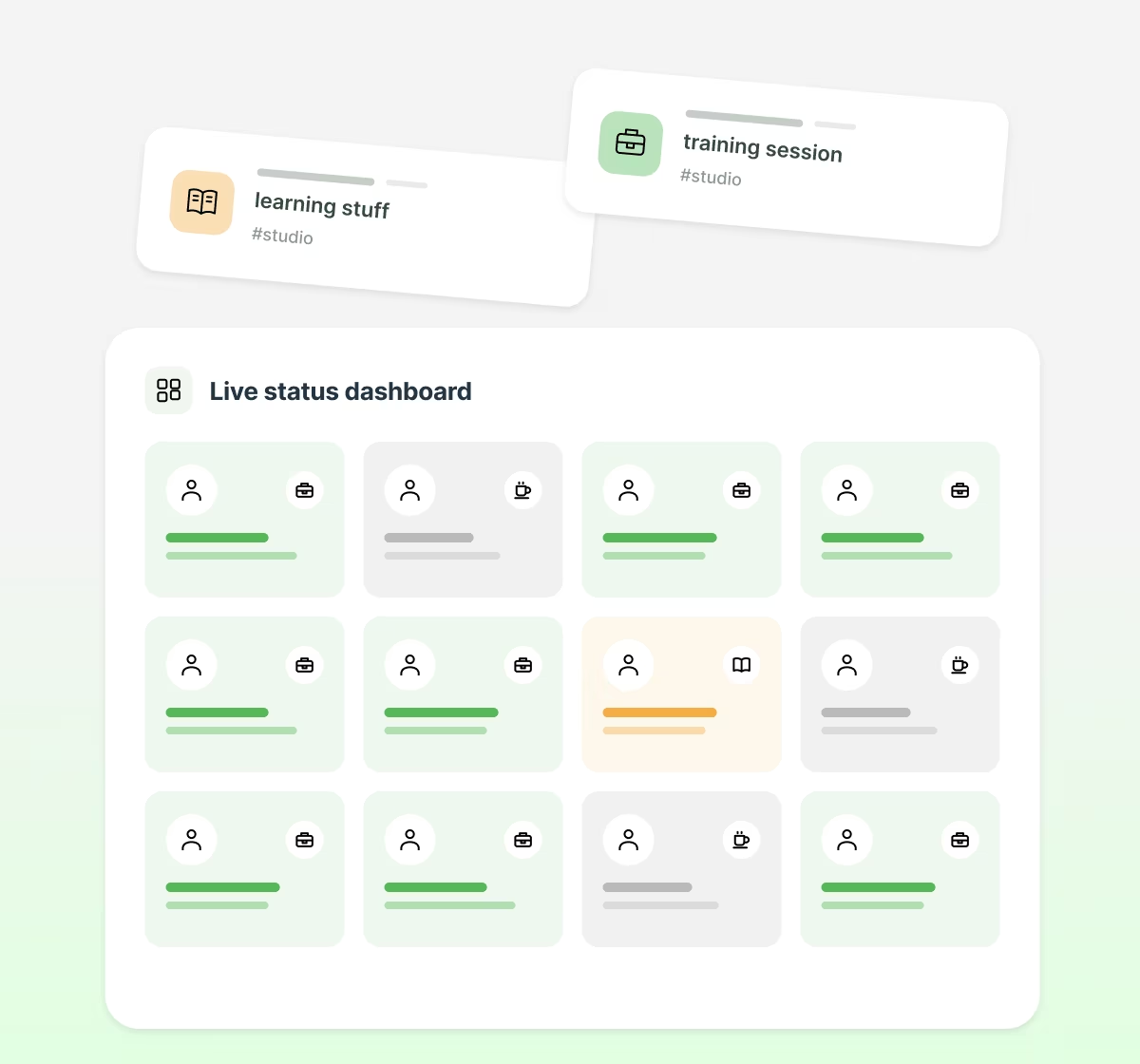
Time records team activity via native Slack statuses, so the dashboard shows how busy everyone is right now.
Your data privacy matters. Time complies with the strict Slack privacy requirements and GDPR.
We do not read, copy or store your conversations.
Digital agency
23
Globally
“Time gave us a calm, shared source of truth that keeps everyone rowing in the same direction”
— David Kravitz, CEO at Sliday
200k+
Hours logged50%
Faster leave & holiday approvals30%
Less time on manual updatesTime subscription plan is based on the number of members at your Slack's workspace.
 Unlimited usersTime-trackingInteractive dashboardTime-tracking reportsLeavesInvoicesPunctuality meterPriority support (24h response)Working time visualisedSingle Slack team is supportedTime-off managementProfessional invoices
Most teams already live in Slack: standups, project updates and client conversations all happen there. So why is time tracking still happening somewhere else? This guide shows how to track time right inside Slack with a single command, from setup to reporting.
Jul 13, 2026 · 14 mins read
A daily stand-up answers three questions: what did I finish, what am I working on today, and what is blocking me. Done well, it takes under ten minutes, keeps the team aligned without a meeting and surfaces blockers before they turn into missed deadlines.
Aug 18, 2026 · 16 mins read
When we think about the number of hours we work in a year, a common figure often comes to mind: 2,080 hours. This baseline assumes 40 hours a week for 52 weeks, but actual annual work hours usually differ significantly once you account for holidays, time off, and other factors. Let's break down where the 2,080 figure comes from, why it rarely matches reality, and what it means for planning and budgeting your team's time.
Dec 24, 2024 · 5 mins read
If you're ready to get started with Time, add it to Slack and start your 7-day free trial. You can also explore the demo dashboard first.
